Work with a Background
By default the program displays a background form - a kind of virtual tabletop. The background is always behind everything else. It is impossible to "lose a card" behind the background.
You can show or hide the background by checking or unchecking the Show Background option on the main menu. Don't try to hide the background by clicking on its close button, because this will close the program. If you prefer to always work without a background, check the "always hide background at launch" option on the Default Options tab of the Options form.
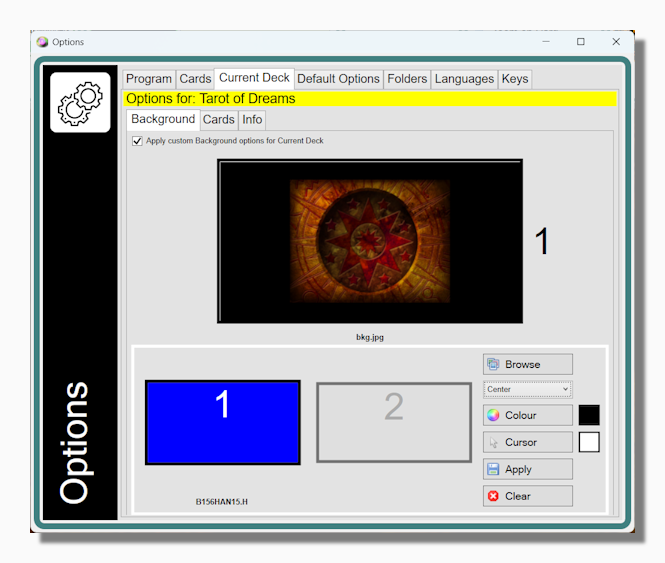
The default appearance of the background is a uniform black, but it is possible to customise the appearance of the background using the Current Deck tab of the Options form.
The properties that can be set are: background colour, background image, image position (tiled, stretch, centre or maximize) and custom mouse pointer.
You can set default background preferences. The default preferences are used unless you have indicated deck specific ones.
Learn more about the background form and what it does.